How to Reduce DM Order Chaos Without Lost Sales
July 29, 2026
A customer comments, “Price?” Another sends a screenshot from last week’s post. Someone else asks whether the blue version is still available, then disappears while you scroll through old messages to find the size they wanted. If this feels familiar, learning how to reduce DM order chaos is less about replying faster and more about giving every customer one clear path to buy.
Instagram is great at getting attention. It is not built to hold your product catalog, track every buyer’s choices, and keep a busy inbox organized at the same time. When your orders live inside scattered conversations, even a good sales day can turn into a stressful one.
Why DMs become messy so quickly
A DM starts as a conversation, not an order form. That is useful when someone needs a quick answer or wants help choosing a product. But once you are handling multiple buyers, each conversation can contain product questions, delivery details, size choices, stock checks, and payment follow-ups in a different order.
The problem is not that you are disorganized. The information has no shared home. A customer may ask about a product in a Reel comment, continue in a DM, and send a confirmation message later. Meanwhile, you may be trying to remember which colorway was reserved for whom.
This creates three expensive problems: customers wait too long for a simple answer, you spend your day repeating the same product details, and orders can be missed or mixed up. The more your audience grows, the harder it becomes to fix this with saved replies alone.
How to reduce DM order chaos at the source
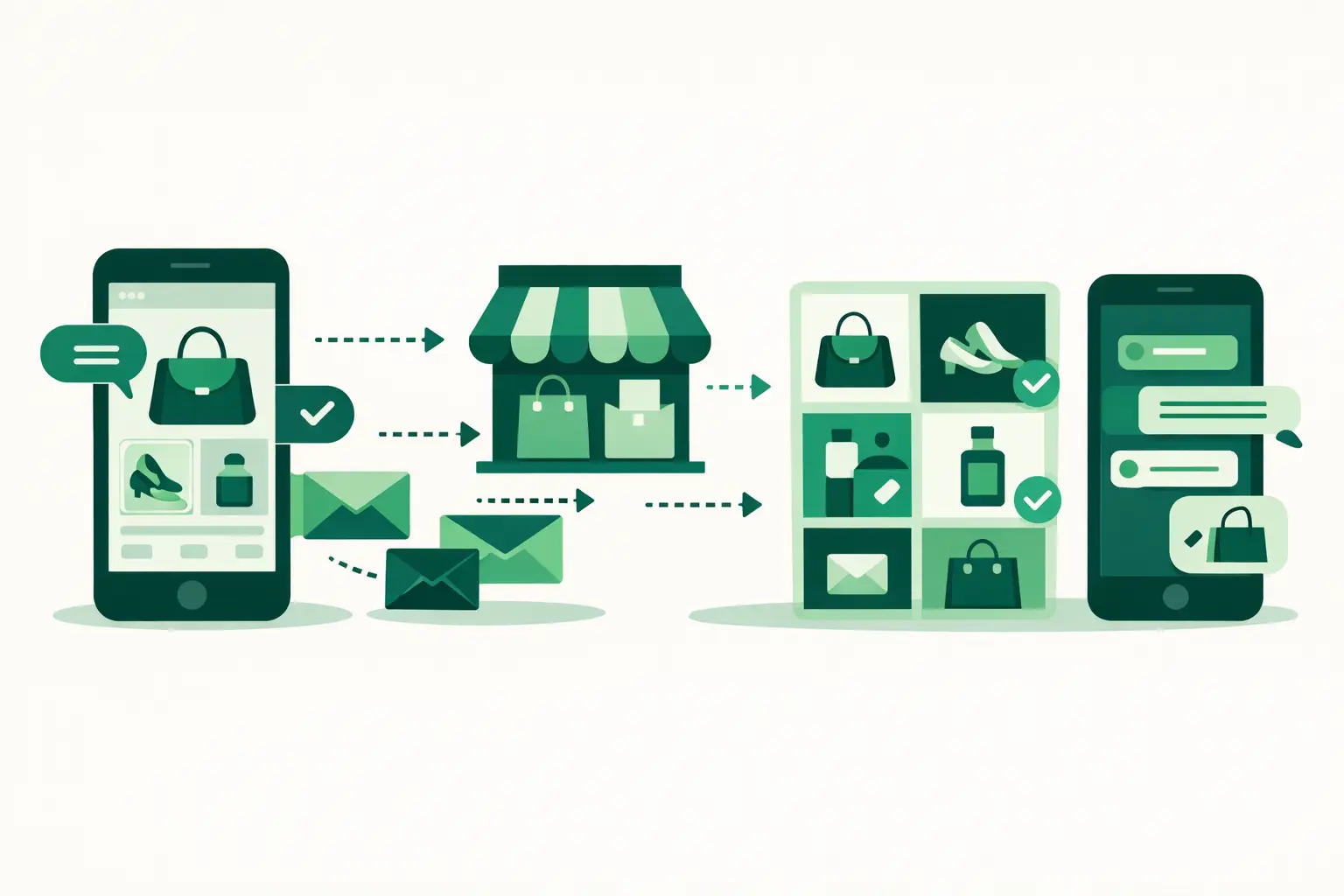
The most reliable fix is to move the ordering part of the sale out of the inbox. Keep DMs for what they do well: answering questions, building trust, and helping customers decide. Then send interested buyers to a storefront where they can browse, choose options, and submit an order without waiting for you to assemble it message by message.
That small change gives each customer the same buying experience. Instead of asking, “Which size do you need?” after they already asked about price, your product page can show sizes, colors, pricing, photos, and availability upfront.
Your storefront does not need to feel like a big, complicated website. For a social seller, it should feel like a clean extension of your Instagram page: easy to open on a phone, visual, and quick to use. With Dukkan, you can create that kind of store without coding, then direct shoppers there from your bio, Stories, posts, and replies.
When a customer completes their order through the storefront, you receive the details in one place and can continue the confirmation conversation on WhatsApp. That means less back-and-forth before the order and a more personal follow-up after it.
Make product pages answer the first questions
Many inbox messages are predictable. “How much is it?” “Do you have medium?” “Can I get it in black?” “What does it look like from the side?” Every one of those questions is a sign that a product detail is missing, hard to find, or unclear.
Start with your best-selling items. Give each one a clear name, a current price, several useful photos, and a short description that answers what someone would ask before buying. If an item has options, add them as variants rather than asking buyers to type their choice in a message. If stock is limited, keep the available count current so you are not promising an item that has already sold.
For clothing, include fit guidance and available sizes. For beauty, explain shade, use, and key ingredients if relevant. For food, make portions, flavors, order deadlines, and pickup or delivery details easy to see. The right details depend on what you sell, but the goal is the same: help a customer make a confident choice before they contact you.
There is a trade-off here. You do not need a long paragraph for every product. Too much text can make a simple item feel confusing. Focus on the details that prevent repeat questions and wrong orders.
Give every Instagram post one next step
A beautiful post can bring attention but still create chaos if it tells customers only to “DM to order.” That instruction puts the entire buying process back into your inbox.
Use a clearer call to action instead. Tell people where to see the full collection, check available options, or place an order. Add your store to your Instagram bio, share it in Stories when you launch or restock an item, and mention it in captions when a post features a product that is available now.
You can still invite questions in DMs. The difference is that questions stay questions. They do not become half-finished orders buried under new messages.
A simple reply can also guide customers without sounding cold: “You can see the colors and place your order in my store. Send me a message if you want help picking one.” It is friendly, quick, and gives the customer control.
Build a short routine for the conversations that remain
A storefront reduces the number of order details you need to chase, but it will not remove every message. Customers will still ask for recommendations, request custom work, or want reassurance before they buy. That is normal, especially for products with higher prices, custom options, or personal fit.
What changes is your role. You are no longer trying to manually collect every order detail from every person. You are helping customers move forward.
Set aside a few focused times each day to check messages and order confirmations. If you can reply immediately, great. If not, a clear response time in your bio or Story highlight sets expectations. It is better to promise a realistic reply window than to feel pressure to answer every message the second it arrives.
Keep a few saved replies for common questions, but write them in your own voice. Useful ones might cover shipping or pickup timing, where to find the store, how to check sizes or variants, and what happens after an order is submitted. Saved replies work best as a starting point, not as a wall between you and the customer.
Separate custom requests from standard orders
Not every sale belongs in the same flow. If you make custom cakes, personalized jewelry, made-to-order outfits, or service packages, you may need more information before an order can be confirmed.
For these requests, use DMs to understand the customer’s needs first. Ask only the questions that affect what you can offer: date, quantity, budget, design preference, or required details. Once you agree on the order, give the customer a clear next step rather than letting the conversation drift.
Standard products should be easy to order through your storefront. Custom work can stay more conversational. Trying to force every request into a rigid system can feel impersonal, while handling every basic item manually drains your time. The right setup depends on how much of your catalog is ready to buy versus made for each customer.
Check where orders get stuck
Once your buying flow is clearer, pay attention to the moments where customers hesitate. Are people asking for prices that are already listed? Your price may be too hard to spot. Are they leaving after opening a product? Your photos, options, or description may need work. Are they asking whether an item is available? Review your stock counts and variant setup.
This is where simple store analytics can help. You do not need to become a data expert. Look for patterns that tell you what customers want and where they stop. Then make one useful change at a time, such as improving a product photo, simplifying an option name, or featuring a popular item more clearly.
The goal is not to eliminate conversation. It is to stop using your inbox as a catalog, checkout page, order spreadsheet, and customer support desk all at once.
When buyers can browse and order on their own, your DMs become easier to manage and more valuable. You have more space to answer the questions that actually need you, follow up with care, and spend less time searching through old messages for a sale that should have been clear from the start.