How to Sell From Instagram Without DM Chaos
July 23, 2026
A customer comments, “Price?” on a post you made three weeks ago. Another sends a screenshot asking whether the blue version is still available. A third is ready to buy but disappears after you ask for their address in a DM.
That is the point where learning how to sell from Instagram stops being about posting more often. You need a buying path that is easy for customers to follow and easy for you to run from your phone.
Instagram is excellent at getting attention. Your Reels, Stories, photos, and messages help people discover your products and decide whether they trust your brand. But discovery is not the same as checkout. When every product question, order detail, and confirmation lives in a crowded inbox, even a small number of sales can become hard to manage.
How to sell from Instagram with a clear buying path
Think of Instagram as your shop window. Your storefront is where customers can browse what is available, choose options, and place an order without waiting for you to reply to a message.
Start by giving every interested customer one clear next step: visit your store. Put your store link in your Instagram bio, then mention it naturally in captions, Stories, Highlights, and replies to product questions. If someone asks for a price, you can point them to the exact product instead of retyping details and hoping they do not get distracted.
A store does not need to be a complicated website project. For an Instagram-first business, it should feel like an extension of your profile: visual, mobile-friendly, and quick to update. Tools such as Dukkan are built for this workflow, helping you turn your product posts into a storefront without coding while keeping customer communication connected through WhatsApp after an order is placed.
The goal is simple: customers should know what you sell, how much it costs, and what to do next within a few taps.
Make your Instagram profile ready to convert
Before someone visits your store, they decide whether your profile feels trustworthy. You do not need perfect branding or a giant content library. You do need clarity.
Your bio should say what you sell, who it is for, and where people can order. A fashion seller might say they offer everyday modest outfits in limited drops. A home baker might explain which desserts are available for local orders. Keep the wording direct, then make your store link the obvious place to shop.
Your profile photo, name, and bio should match the name customers see on your storefront. Small details matter here. When a customer moves from a Reel to your shop, a consistent brand makes the transition feel safe rather than confusing.
Use Highlights to answer the questions that come up repeatedly. You might organize them around new arrivals, sizing, ingredients, colors, delivery details, or customer care. Highlights are not a replacement for product pages, but they can remove hesitation before a person clicks through.
Build product pages that answer questions before the DM
A beautiful Instagram post can create demand. It rarely contains every detail someone needs to buy. Your product page should do that work for you.
Use clear product names first. “Luna Bag - Brown” is easier to find and understand than a vague name that only makes sense to you. Add several photos when possible, especially images that show scale, texture, fit, or what is included. A beauty product may need ingredient or shade details. Clothing needs sizes and fit notes. Food items need portion, flavor, and ordering lead-time information.
Write descriptions as if you are replying to the five questions customers ask most. Include the price, key details, available options, and anything that could affect the order. If a product has sizes, colors, or styles, let customers choose a variant rather than asking them to type their choice in a message.
Stock visibility also protects your time. If an item is sold out, customers should not be able to spend ten minutes choosing it before finding out. Keep stock counts current, particularly for limited drops, handmade goods, and popular colors.
You do not need a long description for every item. A simple product can have a simple page. The test is whether a new customer can decide to order without opening a DM for basic information.
Turn content into shopping moments
Posting consistently matters, but posting with a buying action in mind matters more. Each piece of content should have a job. Some posts build trust. Some explain your product. Some move a ready customer to your store.
Product-focused Reels work well when they show the item being used, worn, packed, or compared. Instead of ending with “DM to order,” tell viewers to shop through the link in your bio. In Stories, use product clips, quick polls, behind-the-scenes footage, and restock announcements to keep people interested, then direct them to the store when they are ready.
When you launch a new item, do not rely on one post. Share the product from a few useful angles over several days. Show the details, explain who it is for, answer a common question, and remind followers when stock is limited. Repetition is helpful when each post adds something new.
For service businesses, the same idea applies. Show examples of your work, explain what is included, and guide people to a clear booking or order page. The right setup depends on what you sell, but the customer should never have to guess how to move from interest to action.
Keep checkout simple, then move the conversation forward
The checkout experience is where many Instagram sales are lost. A customer should not have to send a message, wait for a reply, repeat the product name, confirm their variant, and then share their details one by one.
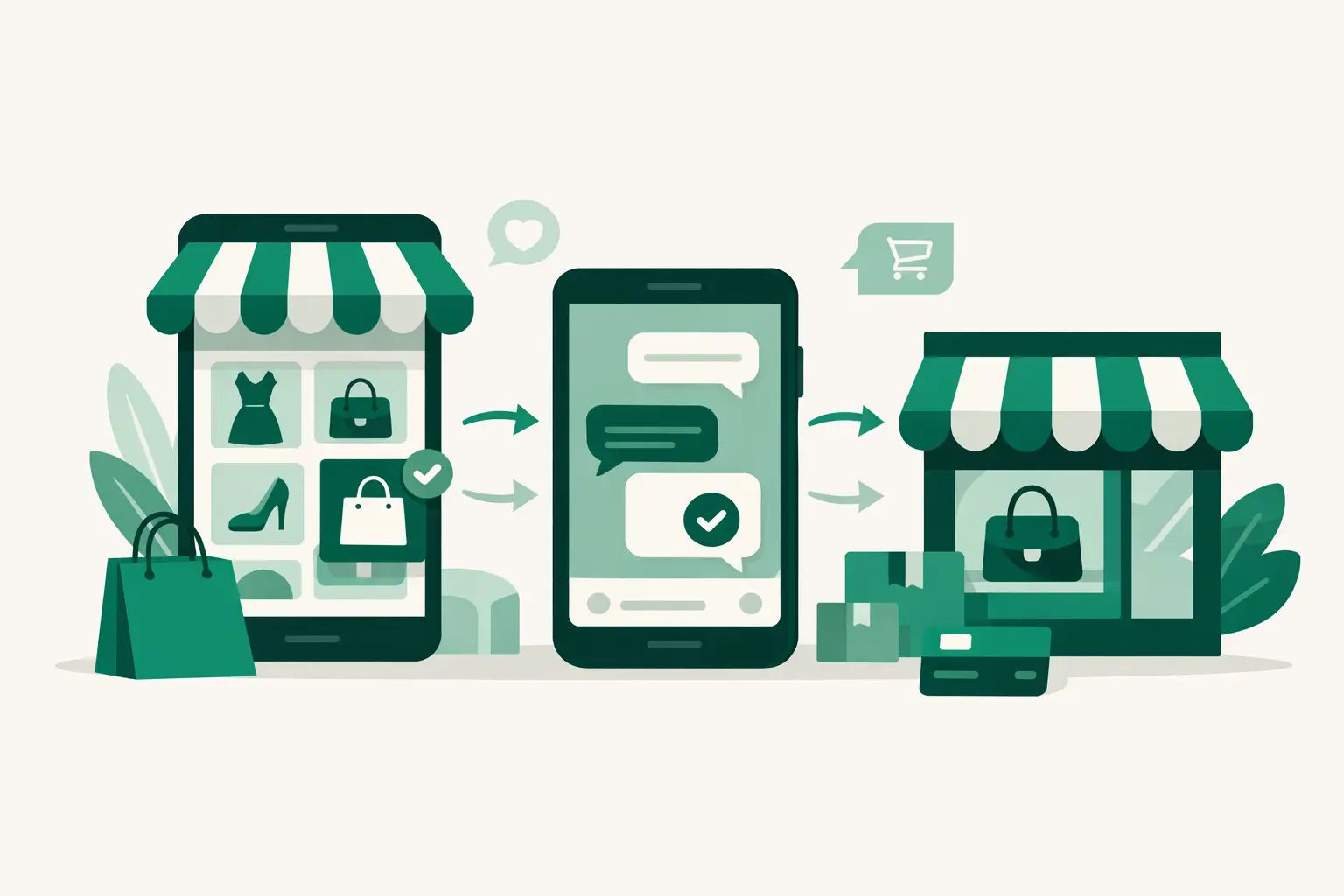
Let them place the order on your storefront first. Once the order is submitted, the details can be delivered to WhatsApp so you can confirm it, answer a final question, and arrange the next step with the full order context in front of you.
That distinction helps both sides. The customer gets a structured shopping experience, while you get fewer vague messages such as “I want this one” with no size, color, or product name attached.
Keep your confirmation messages warm and specific. Confirm the item, chosen options, total details where relevant, and what happens next. If you need extra information for delivery or a custom request, ask for it in one clear message instead of creating a long back-and-forth.
Watch what customers do, not just what they like
Likes and views can tell you that content reached people. They do not always tell you which products are producing orders or where buyers are dropping off.
Check your store activity regularly. Look for products people view often, items added to orders most frequently, and products that receive attention but do not convert. A popular item with few orders may need better photos, clearer sizing, a more direct price, or a simpler offer. An item that sells quickly may deserve a new Reel, more stock, or a permanent place in your Highlights.
Pay attention to the questions still arriving in DMs. If several people ask the same thing, add that answer to the product page or create a Story Highlight around it. Your customers are showing you where the buying path is unclear.
Create a routine you can actually maintain
You do not need to spend all day managing Instagram. A short daily routine can keep the business organized: check new orders, confirm the details that need confirmation, update stock for sold items, and respond to messages that require a human answer.
Set aside another small block of time each week to add products, refresh photos, review store activity, and plan your next few posts. This is more sustainable than trying to answer every message the moment it arrives.
As your business grows, the most useful change is not working longer hours. It is giving customers a path that works even when you are packing orders, creating content, or taking a break. A clear storefront lets Instagram keep doing what it does best: bringing the right people to your products.